
Advertisement
Quick Answer
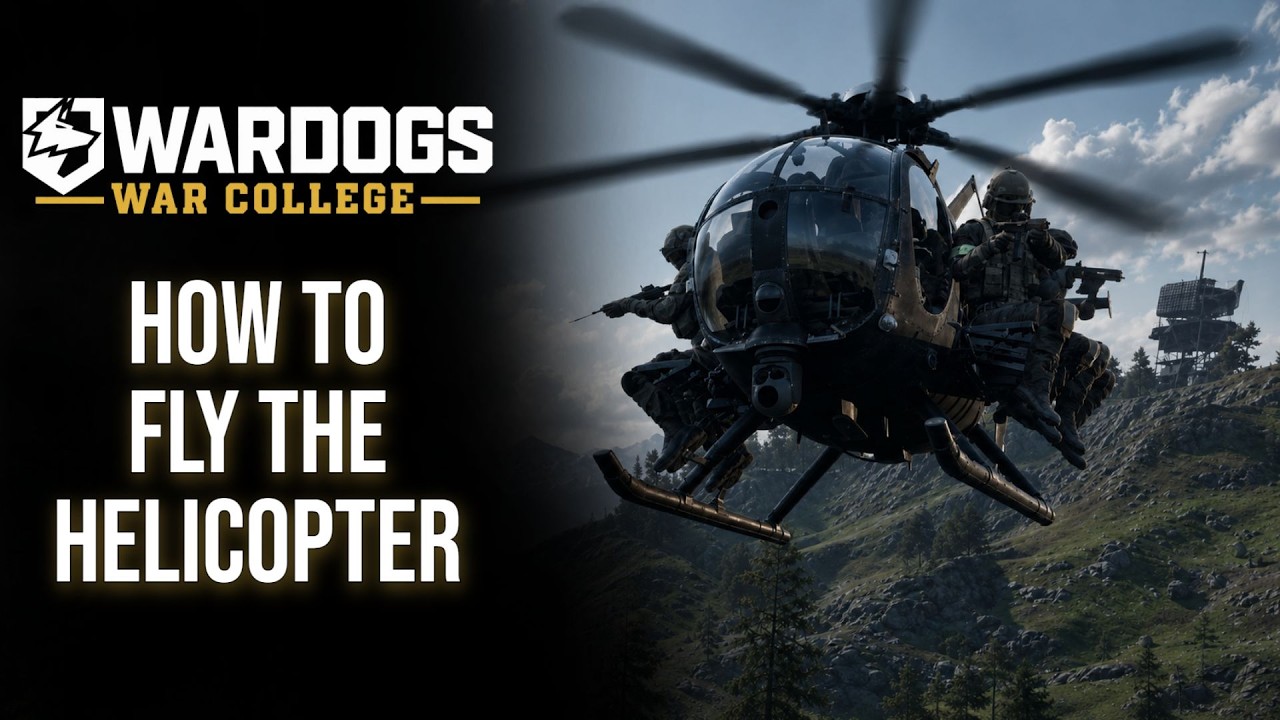
Learn a WARDOGS helicopter in stages: confirm bindings, practice a stable hover, make a controlled takeoff, fly one simple circuit, and land at a marked point before carrying passengers. A useful pilot moves players or supplies, checks fuel and ammunition, avoids predictable anti-air lanes, and returns the aircraft instead of treating every flight as a one-way attack.
Confirmed Facts
- Helicopters are part of WARDOGS vehicle and logistics gameplay.
- Air transport can move squads and supplies across a large battlefield much faster than travel on foot.
- Aircraft, loadouts, fuel, ammunition, repairs, and loss interact with the persistent cash economy.
- Anti-air weapons and defensive positions create real route and altitude decisions for pilots.
- HOTAS detection, bindings, flight response, seat behavior, and automatic input switching are build-sensitive.
What Players Search For
Players searching wardogs helicopter guide usually want the correct controls, a way to stop overcorrecting, and an answer to why an otherwise good transport run ended during landing. Others ask whether HOTAS works or why the game changed input devices unexpectedly. Those questions are related, but the answer starts with control consistency rather than one “best” sensitivity copied from another pilot.
WARDOGS makes aircraft economically and tactically meaningful. A pilot carries other players' time and the team's purchased asset, so practice and communication matter more than showing off a difficult maneuver over the Control Zone.
How to Use This Guide
Complete Before Takeoff once for every new build or control device. Repeat Practice Circuit until landing is predictable, then use Transport and Logistics for live matches. Read HOTAS and Input Switching before connecting multiple controllers.
Before Takeoff
Open the current control menu and identify collective or throttle, pitch, roll, yaw, free look, seat change, exit, and any countermeasure or weapon controls available to that aircraft. Do not assume a creator's keyboard bind matches the live build. Remove duplicate bindings and check whether mouse, keyboard, controller, and HOTAS inputs are all active.
Inspect the intended job before spending or spawning. Confirm passenger capacity, fuel, ammunition if armed, damage state, and where the aircraft can resupply or repair. Tell the squad where to board and where you intend to land. A clear thirty-second plan prevents passengers from jumping out, changing seats, or directing the pilot toward three different rooftops.
Takeoff and Basic Control
Increase lift smoothly and establish a low stable hover before adding forward movement. Large corrections create oscillation: when the nose, bank, or yaw begins moving too far, reduce the input rather than snapping in the opposite direction. Climb with enough margin to clear nearby obstacles while avoiding an unnecessary silhouette above the whole map.
Practice coordinated turns at moderate speed. Look through the turn, keep an escape direction, and avoid concentrating only on the nose. The goal is not maximum speed; it is arriving with enough control, altitude, and fuel to choose a landing rather than being forced into one.
Landing Practice
Choose a large, flat, visible landing area before trying rooftops, forests, steep slopes, or a crowded FOB. Approach into a route that leaves a go-around option. Reduce forward speed early, establish a controlled descent, and use small corrections near the ground. If the site becomes unsafe, climb and circle rather than forcing the landing.
Keep rotors and the tail clear of structures, trees, vehicles, and players. After touchdown, hold the aircraft stable long enough for passengers or supplies to move, then depart along the preplanned route. Repeatedly hovering over the same landing zone gives enemy anti-air and infantry an easy prediction.
Transport and Logistics
A transport pilot earns value by shortening the team's travel loop. Pick up groups rather than single distant players when practical, announce the destination, and land just outside the most obvious fire lane. An extra twenty seconds of ground movement can be cheaper than losing the helicopter and every passenger directly on the objective.
For supply runs, coordinate with the FOB team before departure. Confirm that the landing or unloading area is clear and that the base needs what the aircraft carries. Protect the return route: fuel and time spent reaching the FOB do not help if the pilot cannot leave, resupply, and repeat the run.
Fuel, Ammo, and Anti-Air
Check fuel before committing to a distant pickup and leave a reserve for a go-around or alternate landing. Armed aircraft also need compatible ammunition and a realistic resupply plan. Do not orbit until both are nearly empty and then discover that the shortest route home crosses the enemy's anti-air position.
Use terrain, vary approach direction, and minimize stationary hover in visible locations. If anti-air pressure appears, break line of sight and leave the threat area instead of repeating the same attack. Friendly reconnaissance and ground forces can locate or suppress a threat, but the pilot still needs an exit route.
HOTAS and Input Switching
HOTAS behavior is reported in current player builds, but support should be treated as build-sensitive. Bind axes deliberately, add only the dead zone needed to stop drift, and verify that throttle direction and yaw are correct before takeoff. Test buttons while parked so an unexpected duplicate bind does not exit a seat or change a critical setting.
Some players report automatic switching between mouse/keyboard and connected flight hardware. That observation is not a permanent feature guarantee. If prompts or control response jump between devices, disconnect unused controllers, remove overlapping inputs, restart the client, and check the current patch notes or settings. Never promise that one beta workaround will survive the next build.
Current community testing adds two practical cautions. Players report that pitch and roll axes, yaw pedals, and throttle or collective can work, and that the game can auto switch between HOTAS and mouse/keyboard when entering or leaving a helicopter. They also report a binding or remap issue where assignments may reset after a new launch or session. These are player observations from a test build, not a universal compatibility promise.
Before a live flight, photograph or note the working binding layout, relaunch once, and verify every axis while parked. If a remap disappears, rebuild the smallest usable profile first and keep mouse and keyboard available for infantry movement. Controller remapping is a separate limitation from HOTAS detection, so one device working does not prove that every controller can be fully rebound.
FAQ
Should I learn in a live Control Zone? No. Practice basic control and landing in the safest available environment before carrying teammates into the main fight.
Is HOTAS required? No. Use the device you can bind and control consistently; hardware support and auto-switch behavior can change.
What makes a good transport landing? A clear site, short exposure, stable touchdown, safe passenger exit, and an open departure route.
Should I keep attacking after low fuel or anti-air contact? No. Preserve the aircraft, passengers, and route. Return, resupply, reposition, or coordinate ground pressure.
Sources and Last Checked
Official vehicle, logistics, and large-battlefield context was checked on Steam on 2026-08-22. Flight, landing, transport, and HOTAS observations were synthesized from current creator guides. Exact bindings, input switching, fuel behavior, and aircraft balance remain build-sensitive.
Related Guides
Sources
- WARDOGS on Steam
official · Last checked 2026-08-22
- WARDOGS helicopter basic guide
creator · Last checked 2026-08-22
- WARDOGS vehicles explained
creator · Last checked 2026-08-22
- WARDOGS 40 tips
creator · Last checked 2026-08-22
- WarDogs community HOTAS setup report
community · Last checked 2026-08-22
Frequently Asked Questions
Where should I learn to fly a WARDOGS helicopter?
Use the safest available practice or low-pressure area before carrying a full squad or risking an expensive aircraft in the active objective.
Does WARDOGS support HOTAS controls?
Players report HOTAS use in current builds, but bindings, detection, and automatic device switching remain build-sensitive and should be checked in the live settings menu.
What is a good first helicopter job?
Start with short transport or supply runs between known landing zones instead of attempting low-altitude attacks in the busiest objective.
How do pilots survive anti-air threats?
Plan terrain-covered routes, limit time in predictable hover, listen for threat cues, avoid repeated approaches, and leave enough fuel and altitude for an exit.